How to Get a Ufone Tax Certificate in Pakistan – Easy Online Method 2026
If you are a Ufone user and want to file your income tax return in Pakistan, the Ufone tax certificate is very important, and wandering in search of how to get a Ufone tax certificate in Pakistan. Here is a step-by-step guide. This certificate shows the advance income tax deducted on your mobile usage (calls, SMS, and internet). FBR requires this proof when you declare adjustable tax in your return. The good news is that getting a Ufone tax certificate is simple and can be done online.
What is a Ufone Tax Certificate?
Ufone tax certificate is an official document that confirms how much income tax was deducted by Ufone under Section 236 of the Income Tax Ordinance, 2001. This tax is deducted on:
- Mobile calls
- SMS services
- Mobile internet usage
This certificate helps you adjust or claim tax while filing your return on the FBR IRIS portal.
Who Needs a Ufone Tax Certificate?
You should download your Ufone tax certificate if:
- You are a tax filer in Pakistan
- You want to claim an adjustable tax on your income tax return
- You use a Ufone prepaid or postpaid SIM
- Your CNIC is registered with the SIM
Information Required Before Download
Before starting, keep the following ready:
- Ufone mobile number
- CNIC of SIM owner
- Active SIM for OTP verification
Methods to Get Ufone Tax Certificate in Pakistan
Ufone provides two official ways to download your tax certificate:
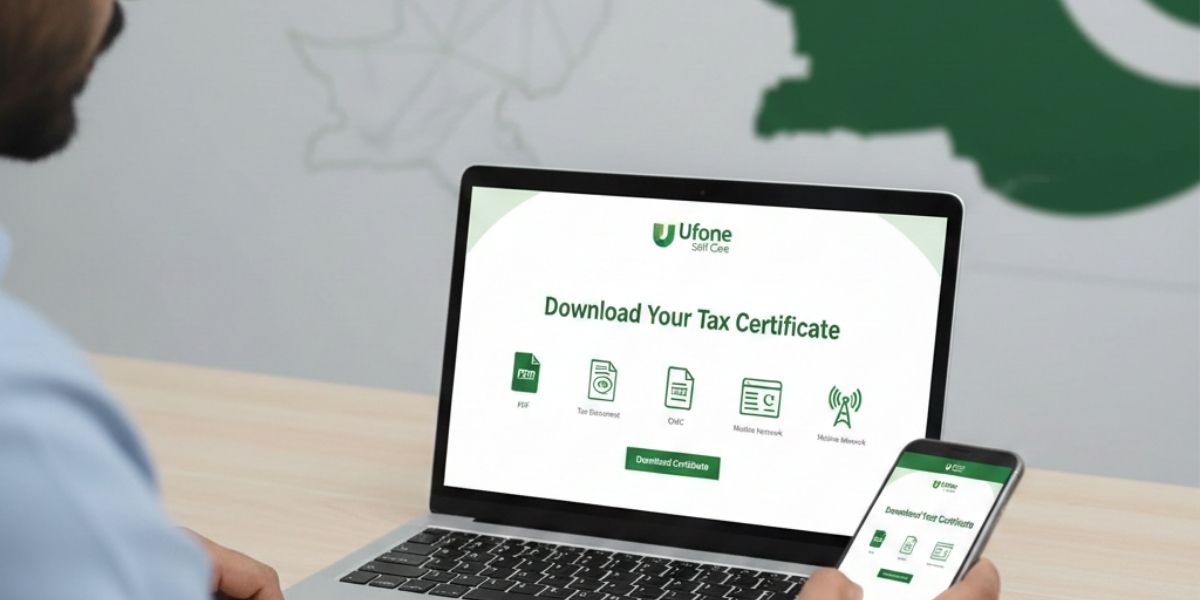
- Ufone Self Care Portal (Website)
- My Ufone App (Mobile App)
Both methods are free and valid for FBR income tax filing.
Method 1: Get Ufone Tax Certificate via Ufone Self Care
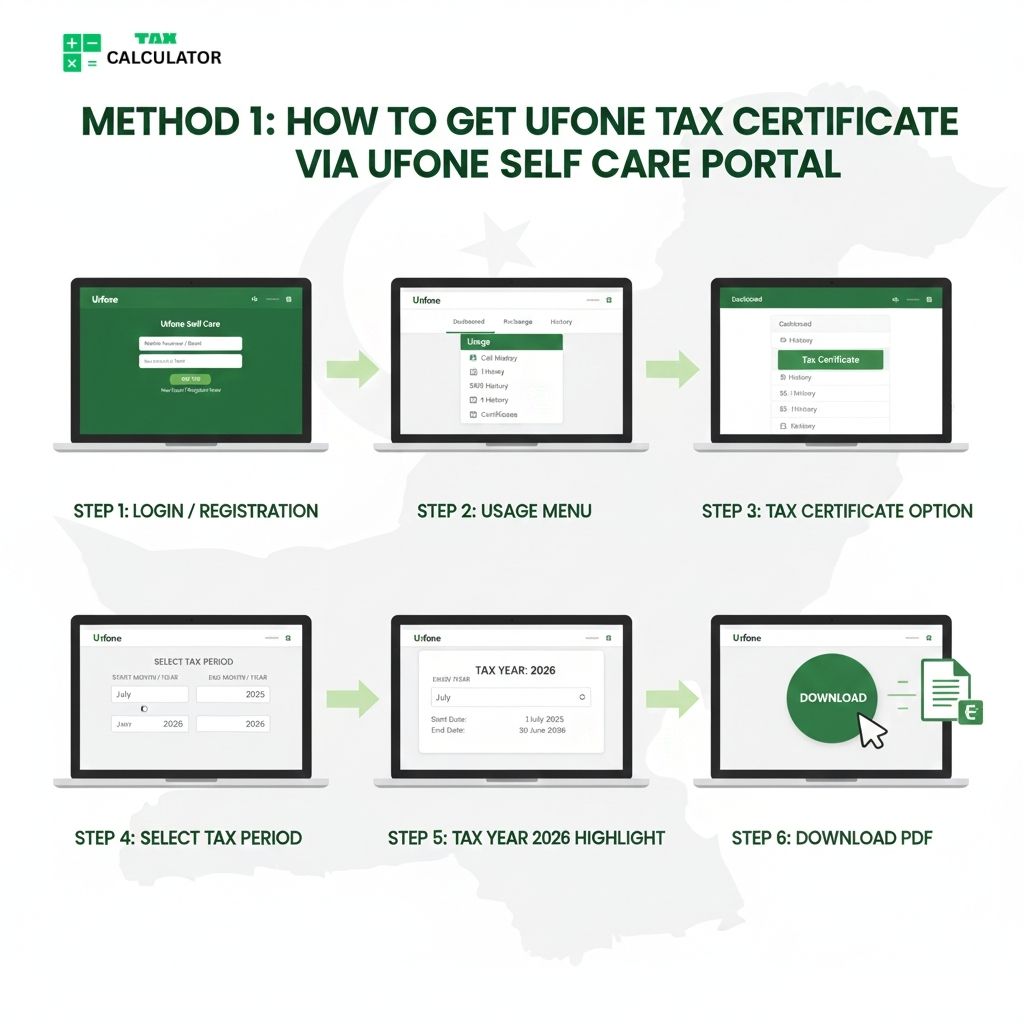
- Visit the official Ufone Self Care portal. Log in to your account if you are not registered, and complete the registration using your Ufone number
- After logging in, click on “Usage” from the top menu
- Select the “Tax Certificate” option
- Choose the required tax period: Start Month / Year, End Month / Year
- For Tax Year 2026: Start Date: 1 July 2025 End Date: 30 June 2026
- Click on the Download button
- Your Ufone withholding tax certificate will be downloaded in PDF format
Method 2: Get Ufone Tax Certificate via My Ufone App
You can also download the tax certificate using the My Ufone App on your mobile.
Open My Ufone App Download and install the My Ufone App from the Play Store or App Store. Log in using your Ufone number.
Open Usage Section From the main screen:
- Tap on Usage
- Select Tax Certificate Issuance
Select Tax Period Choose: Start Month / Year End Month / Year
Submit Request Tap on Submit. Your Ufone tax certificate will be sent to your registered email address.
How to Get Ufone Tax Certificate via Helpline
If you cannot download online, you can request it through the Ufone helpline:
- Call Ufone Helpline 333 from your Ufone number
- Ask the representative for a tax certificate
- Provide CNIC verification
Ufone may send the certificate via email or SMS link.
Common Problems and Solutions
CNIC Mismatch
- Make sure the SIM is registered on your own CNIC
- Update SIM ownership if needed
OTP Not Received
- Check network signals
- Restart your phone and try again
Old Tax Year Certificate
- Some years may not be available online
- Contact the helpline for older records
How to Use Ufone Tax Certificate in FBR Return
While filing your return on FBR IRIS:
- Go to the Adjustable Tax section
- Select Telecom / Mobile Tax
- Enter the amount shown in the Ufone tax certificate
This tax will be adjusted against your total tax liability.
Conclusion
Downloading a Ufone tax certificate in Pakistan is easy and important for income tax filing. It helps you properly declare adjustable tax and avoid FBR issues. Always download and save your tax certificate before filing your return.
If you regularly file tax returns, make it a habit to collect all telecom tax certificates on time.
FAQs
Is the Ufone tax certificate free?
Yes, the Ufone tax certificate is completely free.
Can prepaid users get a tax certificate?
Yes, both prepaid and postpaid users can download it.
Can I get a tax certificate for previous years?
Limited previous years are available online. For older years, contact Ufone support.
Can we get the Ufone tax certificate via WhatsApp?
No, you cannot get the Ufone tax certificate via WhatsApp.