FESCO Income Tax Certificate – How to Download 2026
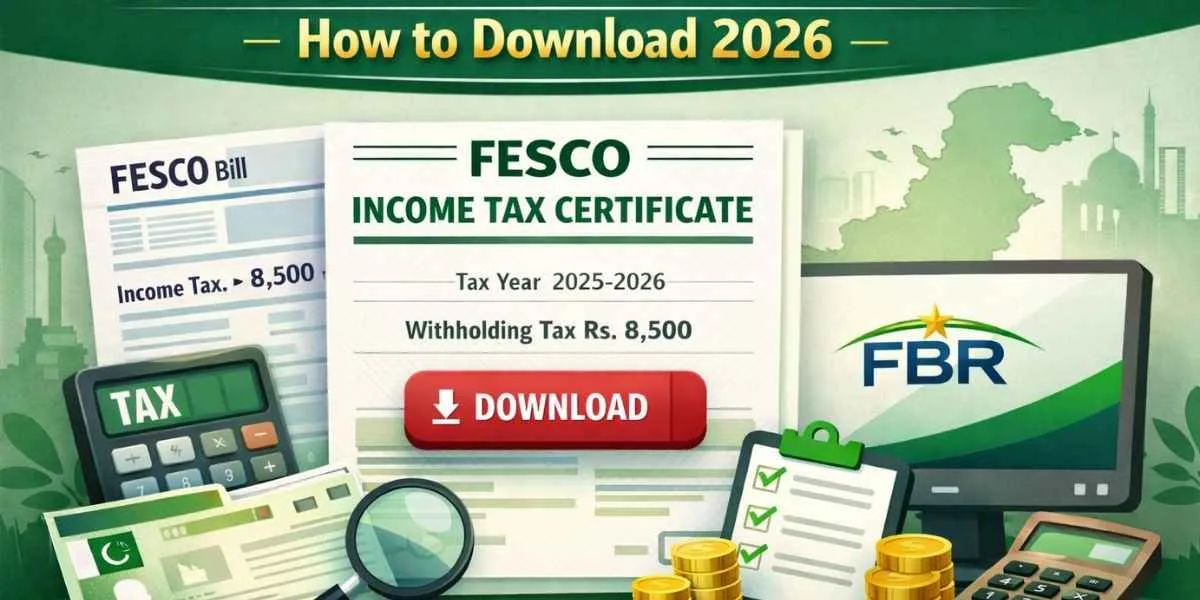
If you are a FESCO (Faisalabad Electric Supply Company) electricity consumer, chances are income tax is already being deducted from your electricity bills. To properly file your income tax return and claim this tax, you need a FESCO Income Tax Certificate.
This guide explains what the FESCO income tax certificate is, how to download it, and how to use it in your FBR tax return, step by step.
What Is FESCO Income Tax Certificate?
The FESCO Income Tax Certificate (also called Electricity Tax Deduction Certificate) is an official document that shows the total withholding income tax deducted from your electricity bills during a financial year (July to June).
This tax is deducted under Pakistan’s income tax laws and can be adjusted or claimed as tax credit while filing your return with FBR.
Why Do You Need a FESCO Income Tax Certificate?
You need this certificate for multiple reasons:
- To declare the withholding tax paid through electricity bills
- To adjust tax liability on your income tax return
- To claim a refund, if excess tax was deducted
- To keep proper tax records for FBR
Without this certificate, your electricity tax may not be credited in your tax return.
Who Can Get a FESCO Income Tax Certificate?
The certificate is available for all types of FESCO consumers, including:
- Residential (domestic) users
- Commercial users
- Industrial connections
Filer vs Non-Filer Impact
- Filers can adjust or claim a refund of the electricity income tax
- Non-filers can download the certificate, but a refund is not allowed until they become filers
Where Is Income Tax Shown on the FESCO Electricity Bill?
On your FESCO bill, income tax appears under the taxes & duties section with the label “Income Tax”.
How It Works:
- Tax is deducted monthly
- Amount depends on units consumed and consumer category
- The annual total is calculated from July to June
This total annual figure is what appears on the income tax certificate.
How to Get FESCO Income Tax Certificate (Step-by-Step)
Method 1: Using the July FESCO Electricity Bill
Every year, the July electricity bill contains a summary of total income tax deducted in the previous financial year.
Steps:
- Find your July FESCO bill
- Locate the “Income Tax” or “Withholding Tax” section
- Use this amount while filing your return on FBR IRIS
⚠️ This method is useful, but not ideal if the bill is lost or unclear.
Method 2: Download Online via PITC Portal (Recommended)
The easiest and most reliable way is through the PITC (Pakistan Information Technology Company) web portal.
Steps to Download FESCO Income Tax Certificate:
- Open the PITC electricity bill portal
- Select FESCO (Faisalabad Electric Supply Company)
- Enter:
- Reference Number (14 digits) or
- Customer ID (10 digits)
- If using reference number, select “U” or “R” (as shown on your bill)
- Click Search
- Once the bill appears, click “Tax Certificate.”
- Download and save the certificate
The certificate will show total income tax deducted for the last financial year.
Required Documents for FESCO Income Tax Certificate
Usually, you only need:
- FESCO electricity reference number or customer ID
- CNIC (for tax filing use)
- NTN (if you are a filer)
No separate application is required for the online method.
How to Use FESCO Income Tax Certificate in FBR IRIS
To claim the tax, you must enter it correctly in FBR IRIS.
Steps in IRIS:
- Log in to FBR IRIS portal
- Open your Income Tax Return
- Go to the Withholding Taxes section
- Select the tax deducted on electricity consumption
- Enter the amount as per the FESCO certificate
- Submit return
This ensures your electricity tax is properly adjusted.
Can You Claim a Refund on FESCO Income Tax?
Yes — but only if you are a filer.
Refund Conditions:
- You are registered with FBR
- Tax deducted exceeds your actual liability
- Bank account is updated in IRIS
⏱ Refund processing may take several weeks to months, depending on FBR verification.
Common Problems & Solutions
Certificate not showing online
- Recheck the reference number and the U/R option
Wrong tax amount
- Match the certificate with the July bill
- Check multiple meters under the same CNIC
Non-filer cannot claim a refund
- Register with FBR and become an Active Taxpayer
Frequently Asked Questions (FAQs)
Is the FESCO income tax certificate accepted by FBR?
Yes, it is an official and valid document accepted on IRIS.
Can non-filers download the certificate?
Yes, but a refund is not allowed unless the filer.
Can I get certificates for previous years?
Usually, only the latest financial year is available online.
Is the tax rate same for domestic and commercial users?
No, tax rates vary based on consumer category and usage.
Final Thoughts
The FESCO Income Tax Certificate is a crucial document for anyone filing an income tax return in Pakistan. Whether you are a salaried person, freelancer, or business owner, claiming electricity withholding tax can reduce your overall tax burden.
If you regularly pay high electricity bills, becoming a filer can help you recover excess tax legally and efficiently.